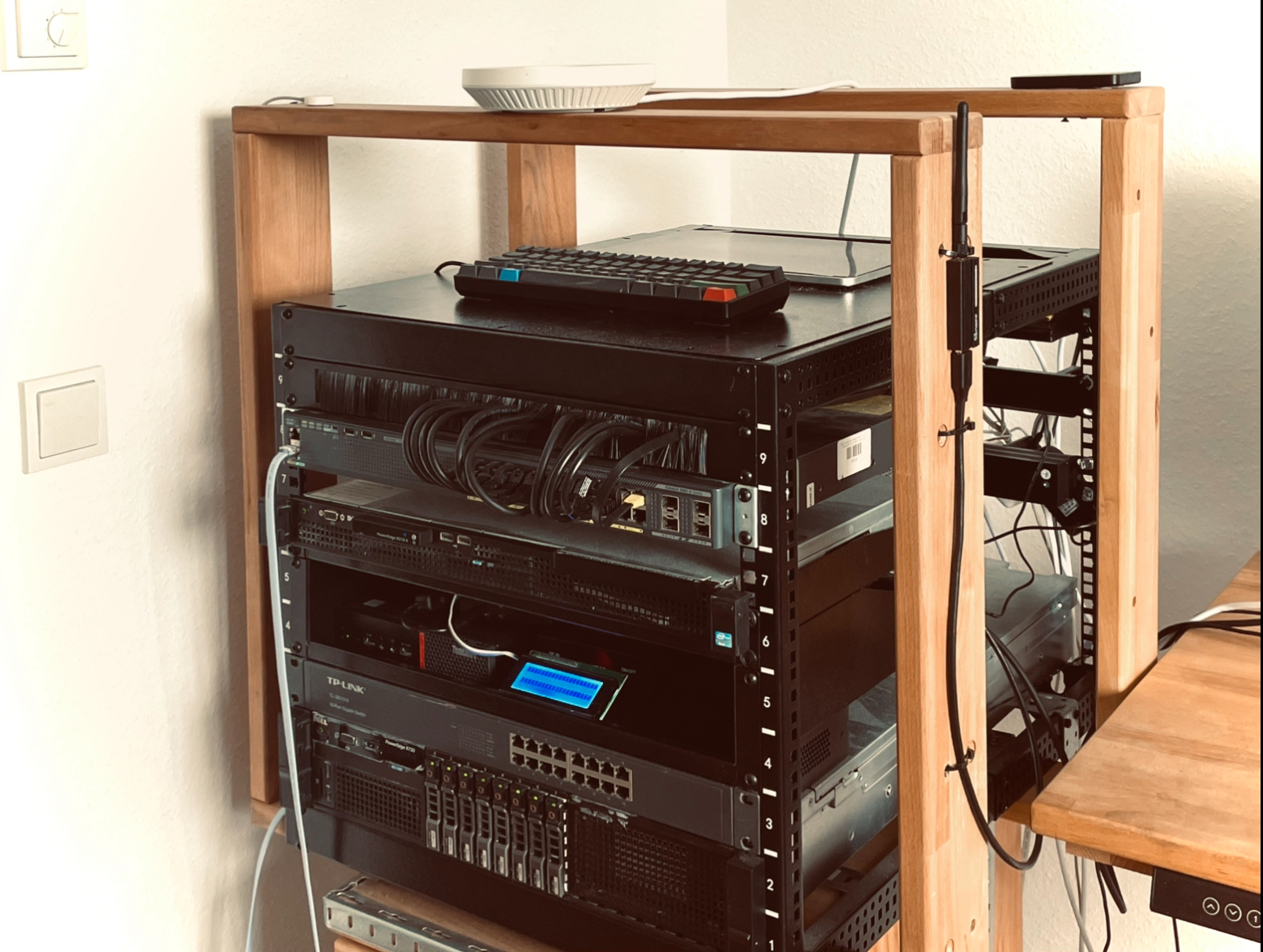
I’ve been playing with this idea of keeping data closer to home for a while now. For years, it was all about cloud services the convenience of not having to think too much about where your data lived. But as I started to worry more about privacy and what might happen if those services changed their policies or had outages, I began looking for alternatives.
One of the first steps I took was setting up Home Assistant on my Raspberry Pi. It gave me a central place to manage devices and automations without depending on external servers. The setup is fairly straightforward: you can run it in a container, mount a folder for configuration, and access everything through a local web interface. From there, you can connect different devices and create automations that work even when the internet is down.
This kind of local setup has become more common as people look for ways to reduce their reliance on big tech platforms. It doesn’t have to be complicated at the start. Many begin with just one or two services running on a small computer or old PC, then gradually add more as they get comfortable.
Another area I’ve explored is running smaller AI models locally instead of sending data to cloud services. Tools like TensorFlow and Ollama make it possible to run lightweight models on my homelab. While these models are more limited than their cloud counterparts, they can still handle simple tasks like basic voice commands or sensor data analysis without needing an internet connection. The main benefit is that your data stays on your own hardware.
Of course, running your own systems comes with trade-offs. It takes more time to set up and maintain compared to using cloud services. You also need to handle updates, backups, and occasional troubleshooting yourself. For some people, this extra effort is worth it for the added control and privacy. For others, the convenience of cloud services still makes more sense.
What I’ve found is that you don’t need to move everything local at once. As my recommendation starting with a few important things, like file storage, basic automation, or simple data processing, can already give you a better sense of control. Over time, you can expand based on what feels useful and manageable.
The idea of homes acting as small data centers isn’t about rejecting the cloud entirely. It’s more about having the option to keep certain things closer to you. As tools get easier to use and hardware becomes more capable, I expect more people will explore this middle ground between full cloud dependency and running everything themselves.