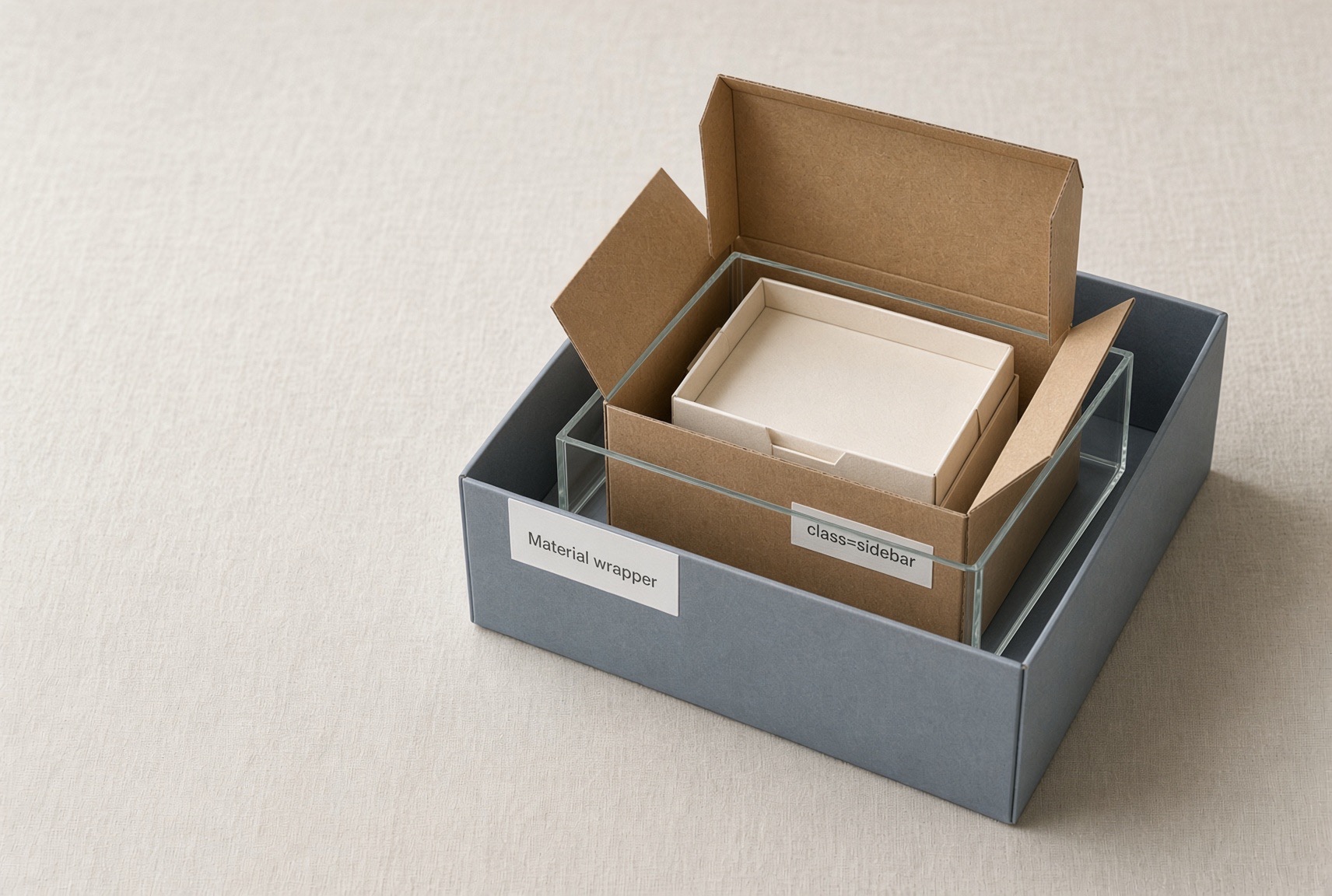
Today, after a long time, I used Angular drawer and spent a while customizing the styles. Then I kept running into a repetitive issue because for a moment I forgot about the relationships between the DOM, my project components and specially with 3rd-party ones like Angular Material.
I placed the pieces in the template as usual, looked at the result! and only then remembered what to adjust. It took long enough that I wanted to write it down. :)
The issue is easy to identify, but also easy to misidentify. A style I set on a component did not show up the way I expect when that component sits inside another one, so:
- Problem 1 I put
class="sidebar"on<app-toolbar>and wrote.sidebarin the toolbar stylesheet. Nothing appeared. Not the background, not the size. - Problem 2 Even after the toolbar could paint itself, it still would not fill the drawer. Material had wrapped it in another box.
Here is the template I arranged, as well you can see the initial layout in my component:
// toolbar.component.ts
@Component({
  selector: 'app-toolbar',
  templateUrl: './toolbar.component.html',
  styleUrl: './toolbar.component.scss',
  standalone: true,
  changeDetection: ChangeDetectionStrategy.OnPush,
  host: {
    class: 'sidebar',
  },
})
export class ToolbarComponent {}
/* toolbar.component.scss */
.sidebar {
  display: block;
  height: 100%;
  width: 100%;
  background: white;
}
And in the warpper templater
/* app.component.html */
<mat-sidenav-container class="app-shell">
  <mat-sidenav mode="side" opened>
    <app-toolbar />
  </mat-sidenav>
  <mat-sidenav-content>
    <router-outlet />
  </mat-sidenav-content>
</mat-sidenav-container>
When I opened the DevTols and saw the actual rendered template, i figured out what the problem was. The inspect was like:
<mat-sidenav-container class="app-shell">    <!-- the shell -->
  <mat-sidenav>                              <!-- the drawer -->
    <div class="mat-drawer-inner-container"> <!-- here is a guy I did not write this :( -->
      <app-toolbar class="sidebar">          <!-- the toolbar host -->
        <!-- toolbar HTML lives in here -->
      </app-toolbar>
    </div>
  </mat-sidenav>
</mat-sidenav-container>
and no background for .sidebar, no width, no display. It feels like CSS is broken.
So I had:
- The shell the view that holds the drawer. It contains
<mat-sidenav-container class="app-shell">. - The drawer Material’s
<mat-sidenav>. - Material’s wrapper a
divMaterial inserts by itself, classmat-drawer-inner-container. Normally we do not write this tag. - The toolbar my component,
<app-toolbar>. We should consider the tag itself is thehost. The HTML file of that component is the inside
Note: That inner
divis the one I keep forgetting. Material injects it and I did not write it.
Problem 1: the class was on the toolbar tag, but the CSS rule was looking inside the toolbar
I consider a component as a box, so here:
- the box itself is the
<app-toolbar>. In Angular we call it thehost. - what I write in
toolbar.component.htmlis inside the box.
When I write this <app-toolbar class="sidebar" /> in the shell (mat-sidenav-container), I have stuck the sidebar label on the body of the box. On the outer wall. Not on anything I arranged inside it.
On the other hand in toolbar.component.scss I wrote:
/* toolbar.component.scss */
.sidebar {
  display: block;
  height: 100%;
  width: 100%;
  background: white;
}
I expected the browser to find that class and paint it, actually in a normal CSS file, that is what happens.
Note: If I had written
<div class="sidebar">menu</div>intoolbar.component.html, the class would sit on a piece inside the box. Then.sidebarin the toolbar’s own stylesheet would match.
Why the browser did not apply that class
Ordinary CSS says: search the whole page and paint every element that has class .sidebar, but an Angular component stylesheet is not a normal CSS file. Angular via the emulated encapsulation changes the rule before the browser sees it and .sidebar becomes something like .sidebar[_ngcontent-toolbar]. Here actually the class name does not change, Angular puts a separate attribute on the element, and it adds the same attribute to the CSS selector.
So after rendering, an element inside the toolbar template looks like this:
<div class="sidebar" _ngcontent-toolbar></div>
The actual CSS rule looks like:
.sidebar[_ngcontent-toolbar] {
  display: block;
  height: 100%;
  width: 100%;
  background: white;
}
So in a component we have two conditions at once:
- the element has class
sidebar - the element has the attribute
_ngcontent-toolbarmeans was created bytoolbar.component.html.
As you can see, in an Angular component stylesheet the same rule, after the rewrite, is not enough with the class alone.
The buttons and text inside the toolbar were created by toolbar.component.html, so they get _ngcontent-toolbar. The toolbar tag itself was not. The shell created that tag, so we can say the shell has class="sidebar" but it does not have _ngcontent-toolbar. The rewritten rule never matches the element that actually has the class.
Solution
We need to use this in the sidebar component stylesheet to paint itself it has to say :host
/* toolbar.component.scss */
:host {
  display: flex; // for sizing matter need it since custom elements are inline by default
  flex-direction: column;
  box-sizing: border-box;
  height: 100%;
  min-height: 0;
  background: white;
}
Note:
:hostmeans the toolbar tag. The box itself. Not a class hunt inside the box.
So the toolbar paints its own host with :host. Background can show now. Size on the toolbar can show now. Material’s wrapper has not been touched.
Problem 2: the toolbar is inside a box I did not write
The toolbar height: 100% does not work, since the toolbar element needs a wrapper to fill the drawer area and scroll in the right place but Material inserts mat-drawer-inner-container between the drawer and the toolbar. That wrapper already has its own CSS: it is a block, it is 100% tall, and it scrolls (overflow: auto).
The toolbar’s :host rules do not reach the correct wrapper. The wrapper was not created by the toolbar HTML, and it was not created by the shell HTML. It was created by Material. So neither of my component stylesheets can see it.
Solution
In this case, I style Material’s wrapper from the global stylesheet, and I hang the rule off a class the shell already owns:
/* styles.css */
.app-shell {
  height: 100%;
}

.app-shell .mat-drawer-inner-container {
  display: flex;
  flex-direction: column;
  overflow: hidden;
}
This give Material’s wrapper a layout so the toolbar has a real height to fill. It is how the drawer’s inner box stops eating the layout.
The checklist I use now
- When I want the color and layout of the component, I write
:hostin componentcss/scss. - When I want to fill or scroll the third-party component inner box, I point to injected node of that component in main
styles.cssbecause my component cannot see it.
If a style does not appear, I first ask which of the wrappers I am looking at, then I write the rule in the part that owns that name.